Hi—I'm the ZovaX guide. Register or sign in, download the IDE free, then apply for AgentOS beta if you need desktop automation.

ZovaX · AI IDE + AgentOS

先验证,再合入——写代码与办正事,同一工作台

Composer 多文件改码 · 影子 diff 先测后合 · 桌面智能体无人值守

ZovaX Workspace

ZovaX IDE:多文件 Composer → 影子 diff → Preview Run 通过后再 Accept。

BYOK · Free to start

Some say DeepSeek, some say a major lab — we don't respond

We skip the biography: no team backstory, no official default model. Only two things are confirmed—a shadow-diff, test-before-merge workflow, and a BYOK architecture that swaps the brain with your API key.的工作方式,和接上你的 API Key 就换大脑的 BYOK 架构。

DeepSeek, Qwen, GLM, Claude, private models—plug in whoever you like. The riddle belongs to the community; the speed belongs to you.

Open ecosystem 24/7 unattended AgentOS

AgentOS

Desktop agents · unattended office automation

Reads the screen, drives the keyboard, orchestrates apps—reports, documents, and store duty delivered from one sentence; you just approve.

  • Compatible with mainstream open agent skills—install and go
  • Drives desktop apps around the clock, 24/7 unattended
  • CEA causal evolution—auto retrospectives that learn your business
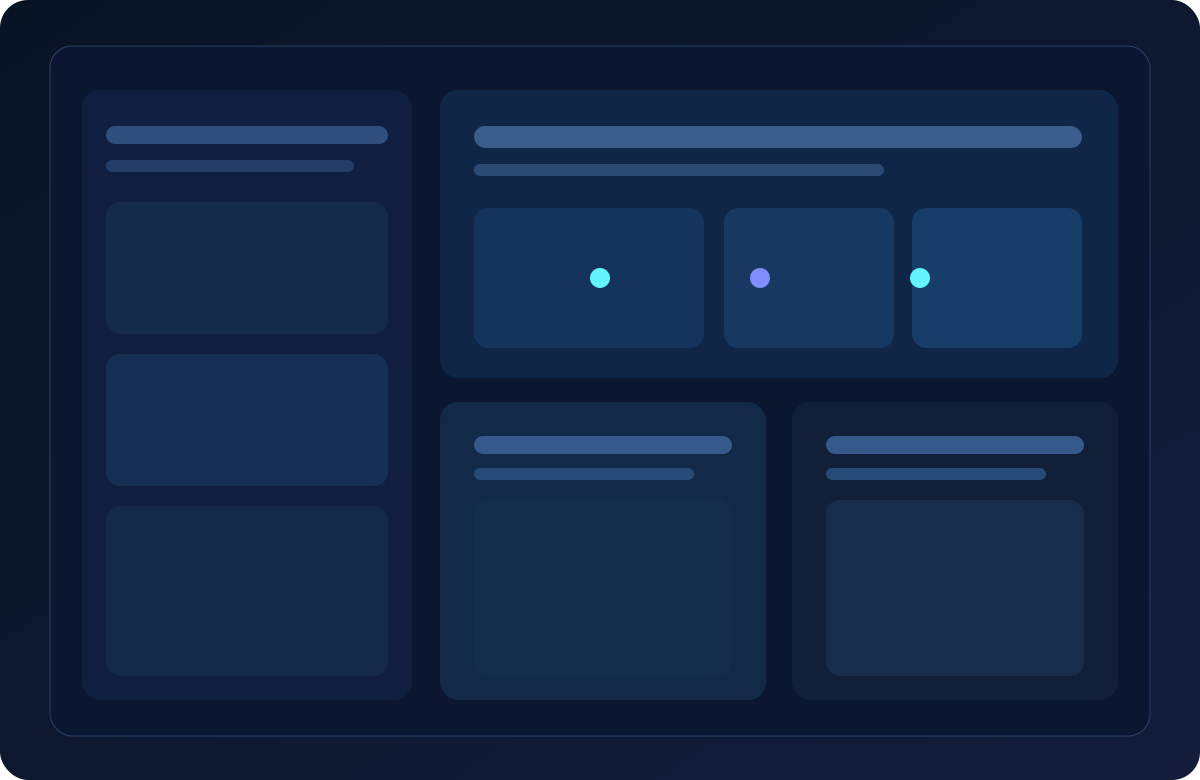
No vendor lock-in BYOK freedom IDE

AI IDE

AI-native IDE · verified before it lands

Agents edit across files, shadow diff keeps every change reviewable, and Preview Run tests before Accept—unverified code never touches your repo.

  • Connect private, local, or open LLMs—BYOK keeps cost in your hands
  • Compatible with VS Code extensions and mainstream open skills
  • End-to-end control of models, data, and deployment—on-prem ready

The X is the only clue

No biography|No default model|Only merge-ready code

Plug in your API key—reveal the answer yourself

OUR STORY · DEVELOPER HARBOR

The official autobiography is this blank page

The verifiable line: five years of full-stack Agent work that handles desk work, lands code responsibly, and gets smarter with use. Who is behind it? Reverse engineers found no watermark; officially, no comment.。至于幕后是谁——拆包党没找到水印,官方懒得回应。

Most AI tools rush to tell stories—founders, funding rounds, model versions. The stories pile up; merge-ready code does not.

We go the other way: the story was deleted from the product. Bring your own model, credit goes to contributors, verification belongs to Preview Run—the riddle is the product; the answer is whichever model you plug in.。模型你可以自带,署名留给贡献者,验证交给 Preview Run——谜面是产品,谜底是你接的模型。

01

Untraceable origins

Commit history dates back to 2021. Who is the team? Officially: no comment. The community has guessed for three years.

02

A swappable brain

The model gateway routes every model: DeepSeek, Qwen, GLM, Claude, or your private deployment—plug in whoever shapes its voice.

03

CEA causal evolution

A proprietary causal-evolution architecture: tasks auto-retrospect and skills self-iterate—the longer you use it, the better it knows your rhythm.

04

Attribution is the evidence

Every contributor in the harbor is on record with real credit. The team can stay anonymous; contributors never are.

Official record · five entries only

  1. Agent engineering begins—“say it, get it done”
  2. Model gateway & skill marketplace; enterprise routing and BYOK
  3. AI IDE: Composer multi-file + shadow diff before accept
  4. AgentOS launch: office automation + CEA patents
  5. Developer harbor live: community contributions ship in official releases worldwide

Stop guessing—send your first task in three minutes; efficiency never lies.,效率不会撒谎。

370+ orchestrable skills
8 invention patents
10× coding speedup
7×24 unattended ops
100% local control
3min fast onboarding

See it work: you say a sentence, AI moves instantly

Natural language on the left, real execution on the right—office pipelines and merge-ready code, two delivery speeds in one place.

AgentOS: hand repetitive work to digital workers

Screen vision, direct keyboard & mouse, cross-app orchestration—reports, documents, store duty start with one sentence; you approve the result.

  • Natural language drives execution—not just suggestions
  • 370+ skills out of the box; CEA keeps evolving
  • Local and on-prem options—data stays in your domain
Free demo request

370+ skills · office and coding covered

From PPT / Excel / Feishu automation to multi-file edits and code review—production power you can onboard today, not a concept demo.

Composer multi-file editing

Edit many files per conversation; review everything in the Changes panel—no more copy-paste across files.

10× coding speedup

Shadow edit · test first

Preview Run tests before you Accept—unverified changes never reach your repo.

Test-first merges

Model gateway + MCP

Model routing, office skills, and repo tools orchestrated in one place; on-prem ready.

370+ MCP skills

Multi-mode agents

Plan / Edit / Review break down requests like a tech lead; office and coding modes switch with the task.

5 collaboration modes

Own the foundation under your AI

BYOK freedom|Open ecosystem|Private deployment

One open foundation for solo developers and enterprise networks alike

Simple, transparent pricing · start today

Students, professionals, and developers start free; enterprises scale by seats—prove value first, then expand.

AgentOS

Desktop agent · office automation

$0 beta access

Enterprise on-prem · flexible per-seat / per-node pricing

  • 370+ skills · real keyboard & mouse execution
  • Word / Excel / PPT / Feishu in one sentence
  • CEA evolution · smarter over time
  • Finance / e-commerce / gov / everyday office

AI IDE

AI-native coding + office skills

$0 start free

Free personal tier on registration; Pro from $9.9/mo—BYOK keeps LLM costs in your hands

  • Composer multi-file · shadow-test before merge
  • Office templates inside the IDE—code and paperwork in one place
  • 370+ MCP skills · onboarding in 3 minutes
  • Register on the site and connect—students to enterprises
AI-native IDE · Free to start

Describe it once—edited, tested, safe to merge

The IDE welds Composer multi-file editing, shadow diff review, and Preview Run tests into one workbench: AI edits, you review, tests run first—Accept only when it passes. 10× faster, zero unreviewed changes merged.、影子 diff 审阅Preview Run 测试焊进同一个工作台: AI 改完先审阅、先跑测试,满意再 Accept——10× 提速,误改零入库。

  • Agent / Plan / Edit / Review—complex requests broken down like a tech lead
  • 370+ skills + model gateway—coding toolchains and office automation in one sentence
  • 3-minute start: download → register → send your first coding task

Multi-file Composer

Edit many files in one chat and review them in the Changes panel—like a senior engineer who never gets tired.

Shadow edit · test first

Preview Run tests in a temp snapshot—your workspace stays untouched until you Accept. Verified changes only.

370+ skill orchestration

The model gateway orchestrates office, browser, MCP, and repo tools—ship code and paperwork from one place.

Review & closed loop

AI Review, pre-accept audit, and project verification—“it runs” and “safe to merge” together.

Why teams switch to it

Not another chat window—AI embedded in the engineering flow you already use.

  • Context stays with the project — indexing, rules, and workspace memory mean less re-explaining. — 索引、规则与工作区记忆,不必每次重讲背景。
  • Changes stay controllable — shadow diff with Accept/Reject; critical changes are trackable and revertible. — 影子 diff + Accept/Reject,关键变更可追踪、可回滚。
  • Verification stays automated — Preview Run executes unittest and custom checks on par with your CI. — Preview Run 跑 unittest 与自定义验证,和 CI 用同一套口径。
  • Enterprise-ready — Casdoor accounts, plans, audit logs, and private model access. — Casdoor 账号、订阅套餐、审计日志与私有模型接入。

Capabilities built for real delivery

From solo speed to team governance—enable what you need, when you need it.

Code

Composer coding assistant

Switch Agent / Ask / Plan / Edit / Review modes per task; multi-model selection and MAX mode—plan first for complex work.

Quality

HyperAudit & AI Review

Run tiered audits and test snapshots before accepting shadow edits—turn “AI changed it” into “safe to merge”.

Connect

Gateway, MCP & skills

Reach repo skills and MCP tools through the model gateway; enterprises configure model routing, allowlists, and dedicated inference.

Verify

Preview Run

Shadow content merges into a temp directory to run the current file, unittest, or project verification—validate before it lands.

Collaborate

Accounts & IDE deep links

OAuth (PKCE) on the portal pulls up the IDE with a synced session; extensions link straight to plans and docs.

Govern

Admin & operations console

Seats, usage dashboards, audit logs, and knowledge base (by plan); private and custom deployments available.

A repeatable delivery loop

From request to merge, every stage has a capability—nothing scattered across ten SaaS tabs.

  1. Understand Plan mode breaks work down; optional project intelligence injects repo context.
  2. Generate & edit Composer + tool calls edit many files; Inline Chat handles local fixes.
  3. Review & verify Shadow diff, AI Review, and Preview Run tests pass before you Accept.
  4. Ship & govern Release manifests via CDN; enterprise audit, permissions, and model policy in one place.
Start with the download →

Three typical ways to use it

Solo developers, delivery teams, and engineering leaders—same IDE, different focus.

Solo · learn & ship

Homework, portfolios, side projects: Composer codes it, office templates write the docs, Preview runs before merge.

Team · parallel delivery

A shared gateway and rules replace “a prompt per person”; the Changes panel keeps review on real diffs.

Enterprise · compliance & control

Private models, audit logs, roles, and usage dashboards—critical actions stay traceable for internal control and procurement.

Where it shines

If these problems sound familiar, it usually beats the “general chat + manual paste” loop.

Fast-moving requirements

Requirements shift daily—AI edits across modules with rollback-friendly diffs.

Strict quality gates

Tests and checks gate every merge—AI changes follow the same bar.

Desk work piles up

Weekly reports, bids, reconciliation, Feishu forms—hand them to AgentOS or IDE office skills.

Evaluating a move from Cursor

You know the VS Code ecosystem and want a Composer-style flow with your own skill stack.

On-prem / private deployment

Models and gateway inside your network—unified tooling and audit on the IDE side.

Platform / middleware teams

MCP and custom skills bring internal CLIs, docs, and ticket systems into the conversation.

No need to wait for the reveal—verify it in 3 minutes

Download → register → send your first AI task. Core features free for individuals; enterprise unlocks audit, private models, and governance.

Plans & pricing

Free personal tier on registration; paid plans are time-limited licenses with included cloud request quotas (BYOK supported); enterprise adds audit, KB, and private options.

  • Individual — Free IDE; upgrades unlock full models and higher included quotas (not a token buyout)
  • Enterprise — Members, audit, dedicated inference, higher included quotas while seats are active — 成员、审计、专用推理与更高配额;席位订阅期内有效
  • Custom — Private deployment and integrations—talk to sales — 私有化部署与专属集成,联系销售评估

Download AI IDE

Latest {version} · Released {date} · Windows / macOS / Linux

After install, use “Sign in” in the IDE or the command palette to bind your portal account for cloud benefits and updates.

No installer yet? Apply for beta access →

FAQ

How is it related to VS Code / Cursor?

It is built on the VS Code open-source core with a built-in agent extension (Composer, shadow edit, Preview Run, MCP, etc.). Your shortcuts and extension habits largely carry over.

Where should I register and sign in?

Use Register or Sign in in the site header. After success we deep-link to your local AI IDE.

What is shadow edit? Why Preview Run?

AI changes land in a shadow layer for diff review. Preview Run merges them in a temp directory for tests—Accept writes to the real repo only when you are ready.

How do we distribute builds and updates?

Host installers on OSS/CDN; clients use nova.update.manifestUrl pointing to /releases/.json. Separate internal, beta, and stable channels in portal env.

Can we use our own LLM?

Yes—enterprise/custom plans support private gateways, routing, and network controls. Contact sales from the pricing page for your deployment.

Can we pilot before rolling out?

Start with one core team: task → edit → preview test → merge, then expand governance and usage policies.

Which team is behind this? Any relation to DeepSeek or other LLM vendors?

Officially, no comment on the speculation. What is confirmed: it is bound to no model vendor. BYOK accepts DeepSeek, Qwen, GLM, Claude, or private models—who sits behind it is your call, and it does not change the quality of the code you merge.